ClickUp + QuickBooks® Integration with QBIS
Project & Task Management Synced Seamlessly with QuickBooks®
Schedule Call Now Powered by AI.
Automated Insights, Human-Supervised
Powered by AI.
Automated Insights, Human-Supervised
Book a demo with one of our experts!
- Get a guided tour
- Let's do the setup together
- 100% Free
Integration Made Easy
Automate Project Billing, Expenses & Time Tracking
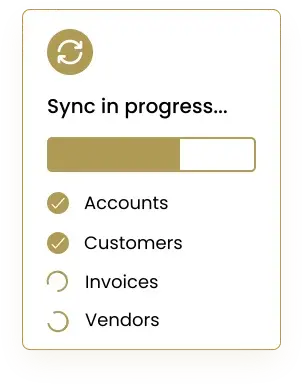
QBIS Sync connects ClickUp with QuickBooks® to automate your project-based accounting. Sync tasks, time entries, budgets, project expenses, and billing details directly into QuickBooks® Online or Desktop. Eliminate manual updates, reduce accounting mistakes, and ensure that every hour, cost, and milestone is accurately recorded inside QuickBooks®. QBIS Sync helps teams manage projects in ClickUp while maintaining clean, up-to-date financials in QuickBooks® automatically.


Centralize Project Billing & Financial Workflows
Link ClickUp project data with QuickBooks® to keep your operations aligned. Sync team hours for payroll and invoicing, track project-specific expenses, map ClickUp tasks to QuickBooks® items, and maintain accurate cost reporting. QBIS Sync ensures your project teams and accounting department always share the same data—without double work.
Real-Time Data Sync for Accurate Project Accounting
Get real-time financial visibility into your ClickUp projects. QBIS Sync updates QuickBooks® instantly with every new time entry, task update, or billed cost. Stay informed with accurate profit-and-loss reports, up-to-date project costing, and faster billing cycles. Real-time syncing helps you make quicker decisions and maintain cash flow clarity throughout project execution.


Looking for a Best Services for your business?
FAQs

Contact Information


Request a Quote
