Sales Order in QuickBooks®
Aug 19, 2025
Book a demo with one of our experts!
- Get a guided tour
- Let's do the setup together
- 100% Free
Sales Order in QuickBooks® is a powerful feature that helps businesses manage customer orders before invoicing. It ensures accurate tracking of products, availability, and pending deliveries. However, manually handling sales orders can be time-consuming and prone to errors.
With QBIS Sync, you can automate the entire sales order process by syncing data from eCommerce platforms, marketplaces, or POS directly into QuickBooks® — saving time and boosting efficiency.

QuickBooks® Sales Order creation screen
What is a Sales Order in QuickBooks®
- A Sales Order is a customer’s request for products or services.
- In QuickBooks®, it records what customers want to buy but does not affect accounts until converted into an invoice.
- It is commonly used by businesses with inventory management needs.

QuickBooks® Sales Order Dashboard with multiple orders
Why Sales Orders Matter for Businesses
- Better inventory planning
- Accurate order tracking
- Faster order-to-invoice process
- Avoids duplicate or missed orders
- Enhances customer satisfaction
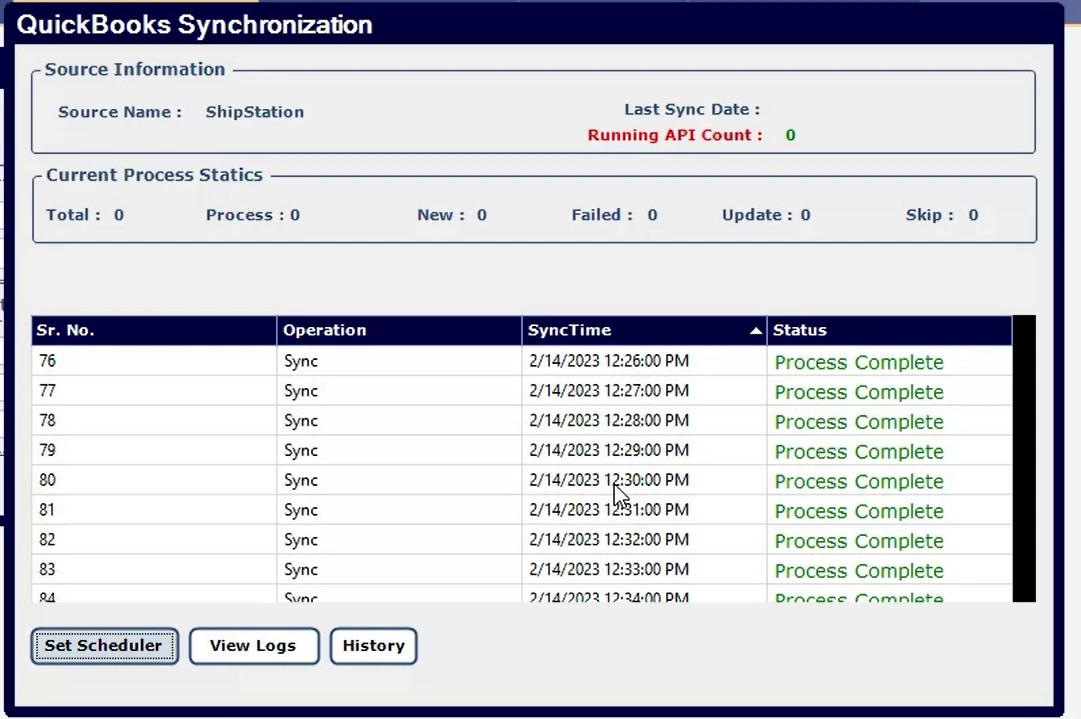
Sales Order to Invoice conversion in QuickBooks®
Challenges in Managing Sales Orders Manually
- Duplicate data entry from eCommerce/POS to QuickBooks®
- Errors in pricing, inventory, or tax calculations
- Delays in updating sales reports
- Difficulty in managing bulk orders
These challenges lead to wasted time and potential revenue loss.
How QBIS Sync Automates Sales Orders in QuickBooks®
QBIS Sync removes manual work by connecting QuickBooks® with your sales channels (Amazon, Shopify, Woo Commerce, POS systems, etc.).
With QBIS Sales Order automation, you can:
- Sync online store orders directly into QuickBooks®
- Convert sales orders to invoices automatically
- Track real-time inventory levels across platforms
- Eliminate duplicate or incorrect entries
- Get accurate financial reporting instantly
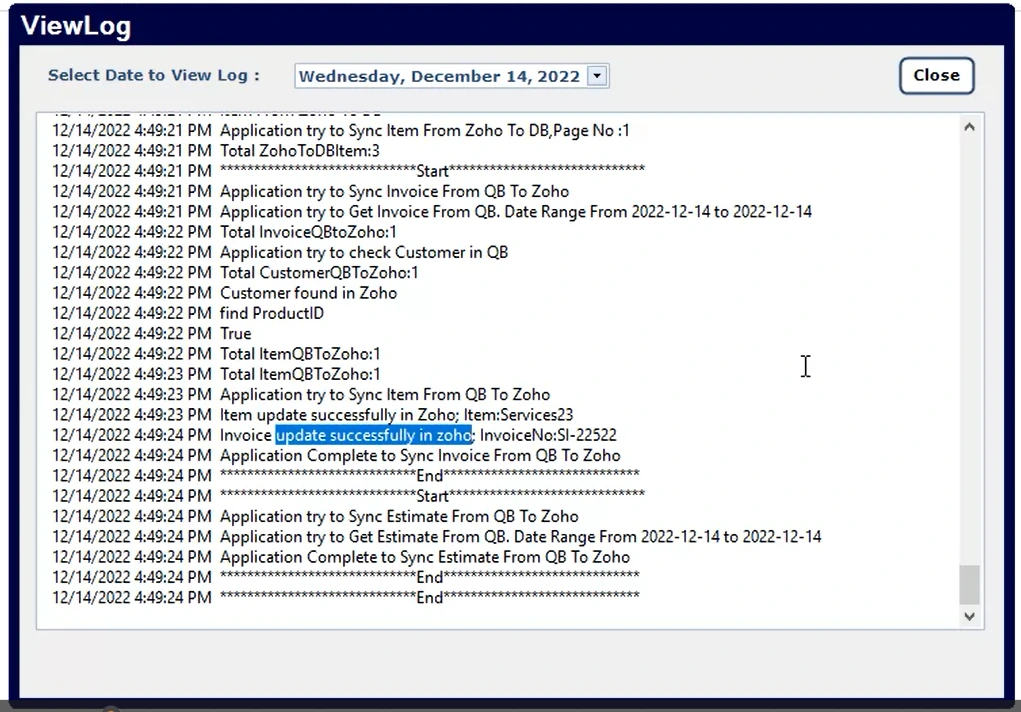
QBIS Sync dashboard showing Orders Synced Successfully
Benefits of Using QBIS for Sales Order Automation
- Time Savings: No manual data entry
- Accuracy: 100% error-free order posting
- Scalability: Handle high volume orders easily
- Centralization: All sales channels connected in one place
- Growth Ready: Focus on sales, not on bookkeeping tasks
Automate Your QuickBooks® Sales Orders with QBIS
Managing Sales Orders manually is outdated and inefficient. With QBIS Sync, you can integrate QuickBooks® with your sales channels to achieve faster, smarter, and error-free order management.
Ready to simplify Sales Order management in QuickBooks®?
Contact QBIS Today for a Free Demo

Contact Information


Request a Quote
