What Browser Works Best with QuickBooks® Online
Feb 20, 2026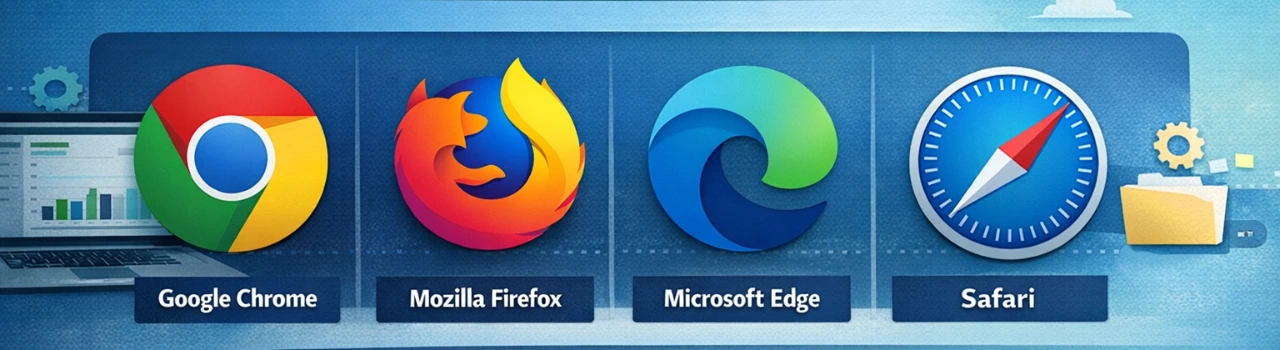
Book a demo with one of our experts!
- Get a guided tour
- Let's do the setup together
- 100% Free
When using QuickBooks® Online, the browser you choose makes a difference in speed, reliability, and compatibility. QuickBooks® Online is a web-based platform, so it’s designed to work best with modern, up-to-date browsers that support the latest security and performance standards.
The most recommended browsers for QuickBooks® Online are Google Chrome and Mozilla Firefox, because they consistently deliver fast performance and full support for all QuickBooks® features. These browsers update frequently and handle complex web applications smoothly, reducing the chance of formatting glitches or login issues.
Microsoft Edge is also a strong choice, especially on Windows devices, since it’s built on the same browser engine as Chrome and provides similar speed and compatibility. If you use Safari on a Mac, QuickBooks® works well there too — just make sure your macOS and Safari versions are current to avoid display or functionality limitations.
Regardless of the browser you choose, keeping it updated is important. Outdated browsers can cause unexpected errors, slow performance, or security warnings when accessing QuickBooks® Online.

Contact Information


Request a Quote
